
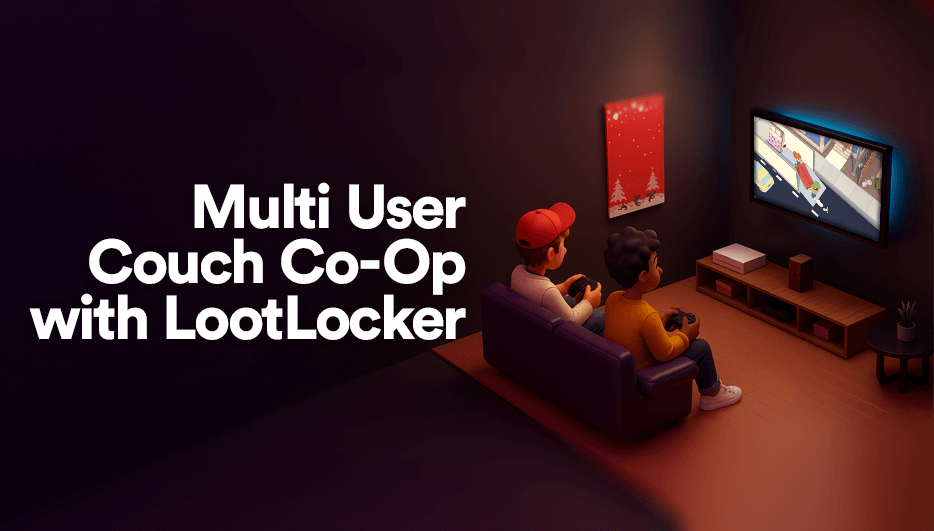
Local co-op is back in a big way with titles such as Split Fiction, Overcooked, and Moving Out maintaining massive popularity! Whether you’re building a party game, a platformer, or a couch-competitive brawler, players love sharing a screen and an adventure. But how do you do this while also enabling each player to have their own persistent profile, customization, and progress across devices and play sessions?
With LootLocker’s new Multi User support for Unreal and Unity, you can now have multiple players, each with their own LootLocker account, all active on the same client. This means every player can bring their own progress, cosmetics, and settings to the game, no matter where or how they play.
Why Multi User Support Matters for Local Co-op
Classic local co-op games like Overcooked, LEGO Star Wars, or Mario Kart let friends and family play together on the same device. But in the past, only one player could have a persistent profile, or everyone had to share progress. Now, you can:
- Let each player log in with their own LootLocker account (or as a guest)
- Save and sync each player’s progress, unlocks, and customization
- Support cross-platform play, so players can bring their profile to any device
- Make local co-op feel as personal and persistent as online multiplayer
Example Use Cases
- Party Games: Each player brings their own avatar, unlocks, and stats to the party
- Platformers: Track individual progress, collectibles, and achievements for each player
- Sports & Racing: Let friends compete with their own loadouts and ghosts
Step-by-Step: Building Local Co-op with Multi User Support
- Enable Multi User Support: Update to the latest LootLocker SDK for Unreal or Unity to get access to the new feature.
- Player Login Flow: Allow each player to log in or create a profile (supporting Guest, White Label, or any of LootLocker's other supported logins).
- Sync Progress and Customization: Use the LootLocker SDK methods as usual to load data and perform actions towards LootLocker, but now supply the Player ID of the logged in player to perform the action for.
- Handle Disconnection and Switching: Let players drop in/out, switch profiles, or continue their progress on another device.
For more detailed instructions about how to utilize multi user support in your game check out our documentation on the subject.
Best Practices
- UI/UX: Make it clear which player is which, and let players easily switch or log out
- Persistence: Save each player’s data separately and sync with LootLocker
- Cross-Platform: Let players use their profile on any device, not just the one they started on
With LootLocker’s Multi User support, local co-op is more powerful and personal than ever. Give your players the experience they deserve together!
For more details, visit our documentation or join the conversation on Discord.