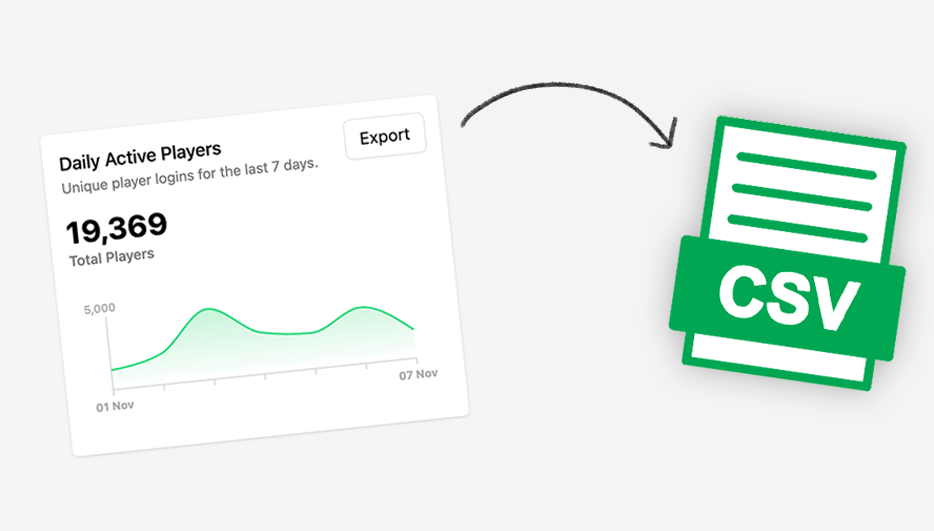
You can now export data collected through the Player Insights feature directly from the Web Console.
Use the Export action next to any supported insight to generate a CSV file. In the export modal, select the game(s) you want to include and define the date range, then click Download Export to immediately download the file.
Supported data sources:
- Daily Active Players (DAP)
- New Players
- Monthly Active Players (MAP)